
Plain guidance for building web and mobile apps
ViewBinary Digital is an editorial resource for people in Singapore who need to plan a website or a mobile app and want to understand the choices before they commit. We write in plain English about how projects get built, which tools teams use, and what questions separate a well-run build from an expensive lesson.
Editorial mission
What this site covers
Our writing runs from the first planning conversation to the months after launch. We look at development approaches (responsive websites, progressive web apps, cross-platform builds, native apps), the tools that sit behind them, and how to scope an MVP without gold-plating it. Each guide stands on its own, so you can start wherever your project currently sits.
If you are three weeks from a kickoff, start with the planning guide. If a build is already finished, start with the quality checklist. Nothing here is written to sell you a service — it is written so you can hold up your end of a technical conversation with a team you are about to hire.
-
Development approaches
Read
Responsive sites, progressive web apps, cross-platform builds and native apps, compared on time, flexibility and future maintenance.
-
Tools and stack guide
Read
What React, Vue, Next.js, Laravel, PostgreSQL and Figma are for, and why a team might reach for one over another.
-
Quality and support criteria
Read
What to check before a build is signed off, and how to plan for the months of support that follow launch.
Approaches, explained without the jargon
Most businesses in Singapore do not need to pick a technology for its own sake. They need to know what each route costs them in time, flexibility, and future maintenance. We compare the four common routes honestly, including where each one struggles.
Open the comparison-
Responsive website
Usually the fastest way to reach customers on any screen. Strong on reach and cost, lighter on offline behaviour and device features.
-
Progressive web app
Adds offline behaviour and installability without going through an app store. Good for repeat-use tools; still limited where deep device access matters.
-
Cross-platform build
One codebase serves iOS and Android. It saves duplicated effort, but native modules and heavy animation can expose the seams.
-
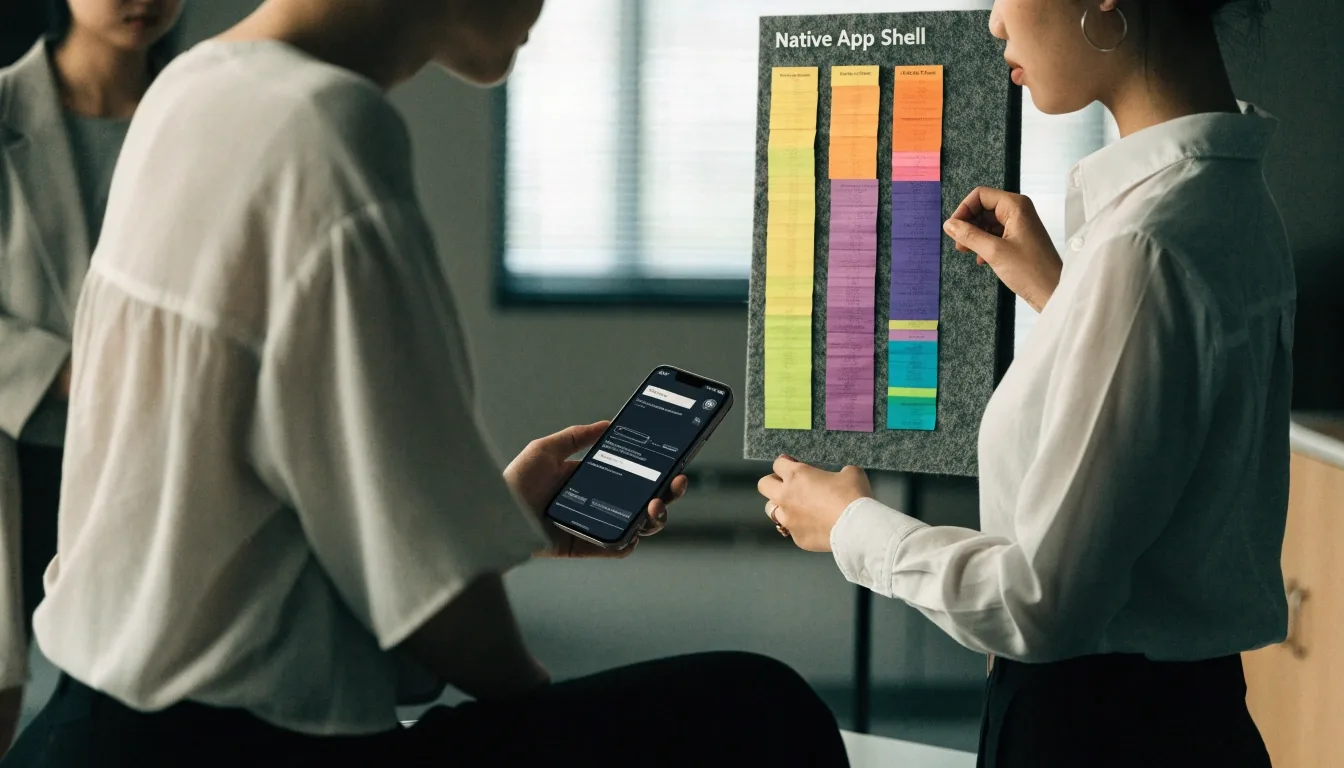
Native app
The deepest access to device features, at the cost of two builds and two release cycles to keep in step.
Four routes, compared on time, flexibility and maintenance
What it is for
The tools you will hear named in meetings
Agencies talk in shorthand. You are not expected to learn all of it, but knowing the vocabulary helps you ask better questions.
Interface and design
React suits component-heavy dashboards and portals. Vue is often chosen for smaller teams that want a gentler learning curve. Figma and Miro are where wireframes and user flows get drawn before anyone writes code. Google Maps Platform handles location features such as store finders and delivery tracking.
Backend and delivery
Next.js adds server rendering for SEO-friendly sites. Laravel handles structured backends and admin systems. PostgreSQL stores the data behind bookings, orders and user accounts. The right combination depends on what the product has to do, not on which name is trending.

Planning before code
Projects go wrong in the planning stage far more often than in the coding stage. Discovery, wireframes, and a tightly defined MVP scope are what keep a build on track.
A discovery phase maps what the product must do, who it serves, and which decisions need to be written down before anyone opens an editor. A wireframe is not a design — it is the argument about structure that happens before visual choices get locked in. Skipping it tends to cost more later, usually as rework during development.
Discovery
What gets mapped, what gets decided, and what should be written down before development starts.
Wireframes
How screens and flows are sketched so the team agrees on structure before visual design begins.
MVP scope
How to cut a first release down to the features that prove the idea, without gold-plating it.
For whom this is written
Small and medium businesses, operations managers, founders, and marketing teams. Also useful for anyone inside a larger company who has been handed a digital project and needs to hold up their end of the conversation. We assume you are smart, busy, and not a developer. We do not assume you want to become one.
What we do not do
We do not sell development services, and we do not run a directory of agencies. There is no sponsored ranking here. When we describe a tool or an approach, it is because it is common enough to be worth understanding, not because someone paid for the mention.
If you spot an error, tell us and we will correct it. Corrections from readers are how the guides stay accurate, and they shape what gets written next.
Singapore context
Local projects often combine a public-facing website with an internal tool or a mobile app for staff or delivery. Timezone and language are rarely the hard part.
What trips teams up is scope creep, unclear ownership between design and development, and support that quietly stops after launch. Our guides keep pointing back to those three risks, because they show up in almost every project that goes sideways.
Where to go next
Four paths cover most needs. Start with whichever matches where your project currently sits, and follow the others when they become relevant. Reading them in order is optional but tends to work well from a standing start: approaches first, then planning, then tools, then quality.
- Choosing a direction Read the development approaches comparison to see what each route costs in time and flexibility.
- About to brief a team Read the planning guide for discovery, wireframes and how to define an MVP scope.
- Learning the vocabulary Read the tools and stack guide to understand the names that come up in meetings.
- A build nearly done Read the quality and support checklist before you sign anything off.
How we keep this useful
Every guide is written to be read once and referred to later. We favour short sections, concrete examples, and honest limits over marketing language. Where a topic has a genuine trade-off, we say so instead of pretending one option wins everywhere.
Common questions
Answers before you write to us
Is this site an agency?
No. ViewBinary Digital is an editorial resource. We publish explanations and comparison guides. We do not take on client projects and we do not sell development services.
Do I need to be technical to use these guides?
No. They are written for business readers. We explain the vocabulary as we go, so you can follow a technical conversation without having to build anything.
How do I choose between a custom website and a no-code platform?
It depends on how much control, integration, and long-term flexibility you need. No-code suits simple, fast, low-budget launches. Custom builds suit projects with specific workflows, integrations, or growth plans. Our approaches guide walks through the trade-offs.
What is the difference between UI design and UX design?
UX covers how a product works and how easy it is to use. UI covers how it looks and feels. They overlap, but they are different jobs. We explain the split in the tools guide.
How long does a typical project take?
It varies widely by scope. Timelines depend on how much is defined upfront, how many integrations are needed, and how quickly feedback happens. Our planning guide explains the stages that drive the schedule.
Written for business readers, not developers
Reading the guides in order
You do not have to. But if you are starting from zero, this order tends to work: approaches first, then planning, then tools, then quality. By the end you will be able to read an agency proposal and understand what is being proposed — which route was chosen, what it commits you to, and which questions still need an answer.
Corrections and suggestions
If a guide is unclear, or a term needs a better explanation, write to us. Topic suggestions from readers shape what gets written next.
- Email: [email protected]
- Phone: +65 6208 6962
- Parkveien 15, 0350 Oslo, Norway
- Monday to Friday, 9:00 AM – 6:00 PM